
Rentals United Integration Guide
Follow these steps to connect your Rentals United account with GPT Pricing and leverage data-driven insights to optimize your vacation rental pricing.
1. Request GPT Pricing Access
Public signup is unavailable. Ask a Hyatus administrator to provision access before continuing.
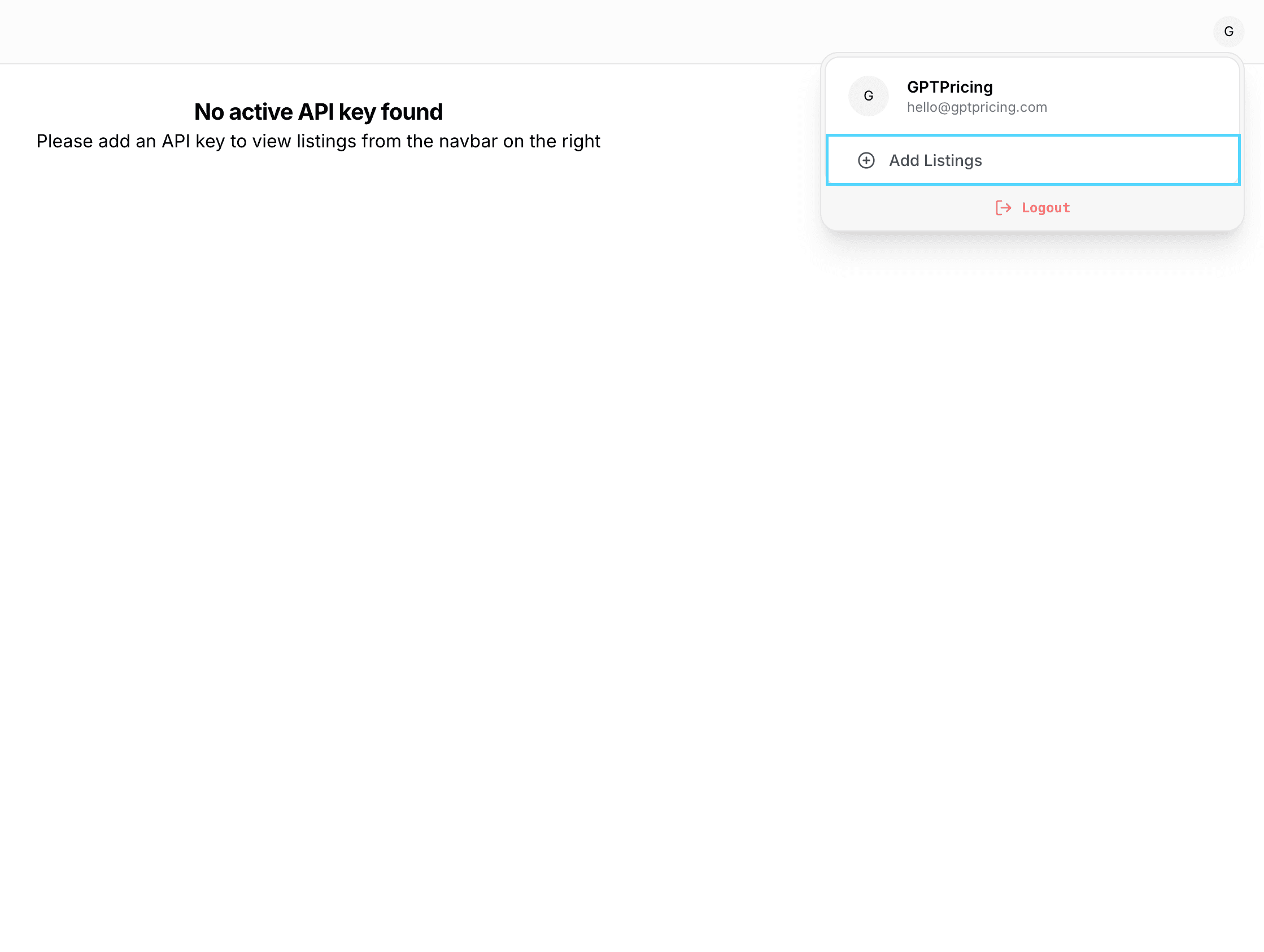
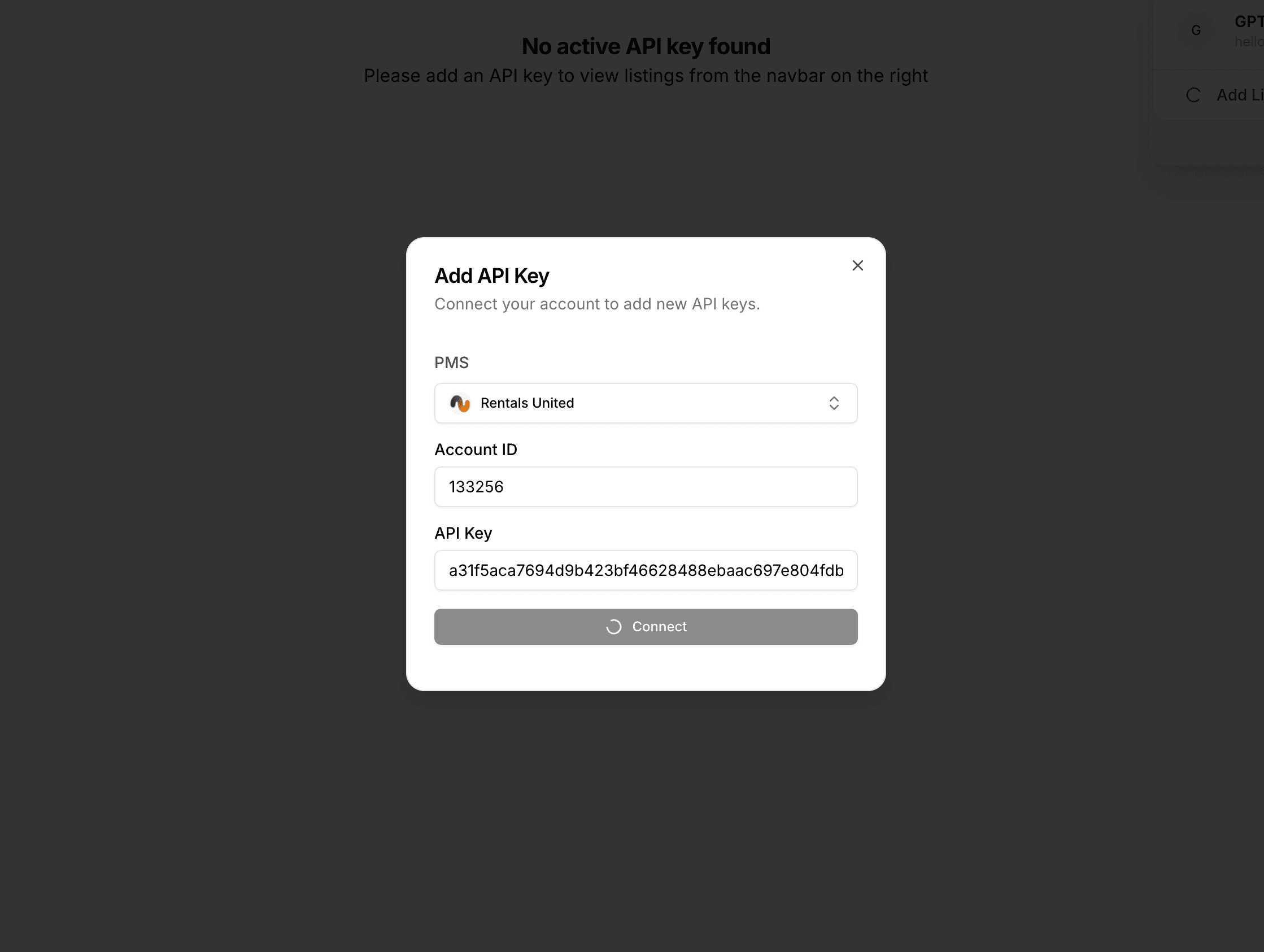
2. Connect Rentals United to GPT Pricing
Log in to your GPT Pricing account. Navigate to the "Link Your Account" section and select Rentals United from the list of property management systems. Enter your Rentals United credentials to establish the connection.
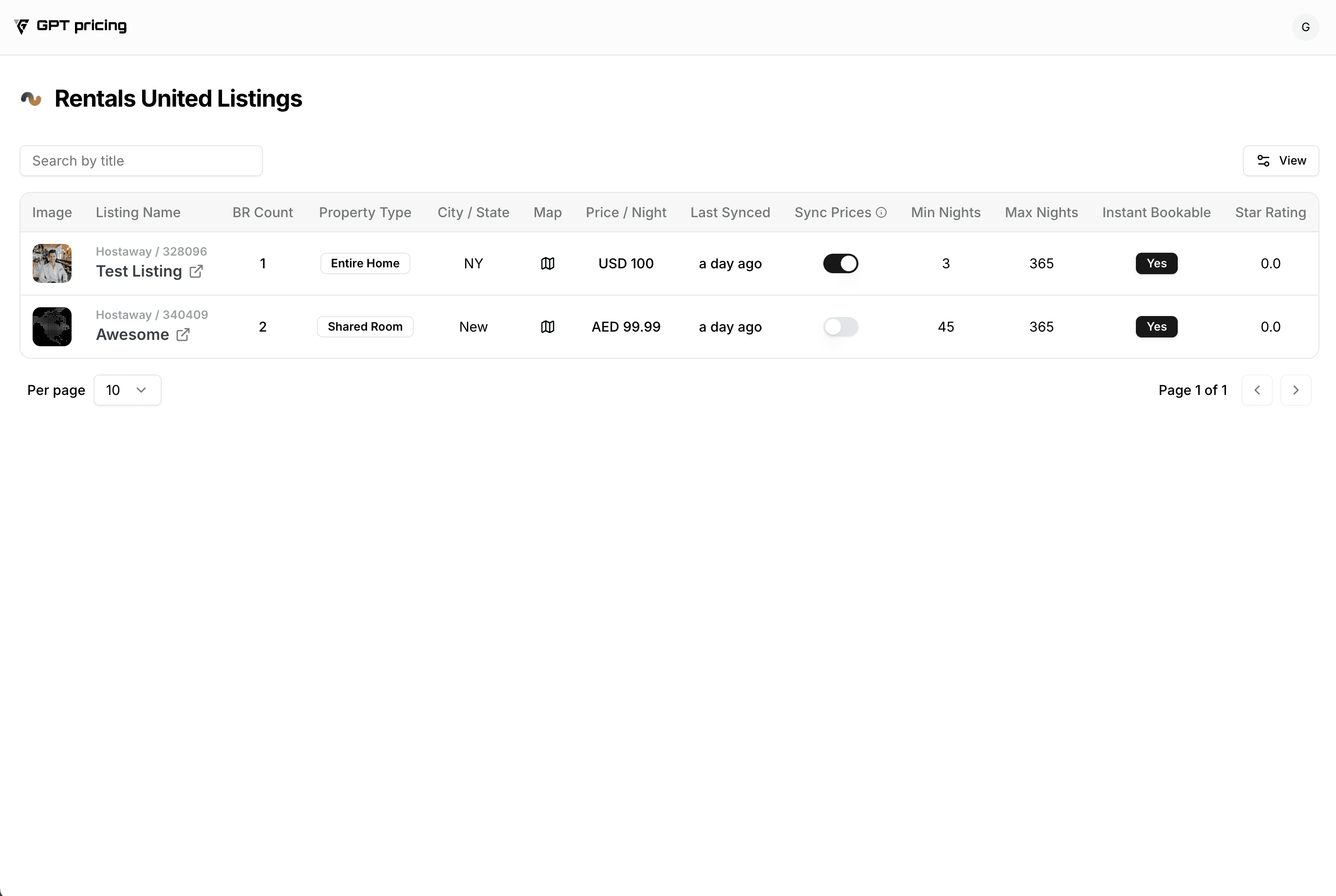
3. Import Your Listings
Once connected, GPT Pricing will automatically import your Rentals United listings. Review the imported listings to ensure all information is accurate.
4. Configure Pricing Settings
Set a base price for each listing; this serves as a reference for dynamic adjustments. Define minimum and maximum price thresholds to maintain control over pricing limits, and adjust other pricing parameters as needed to align with your revenue management strategy.
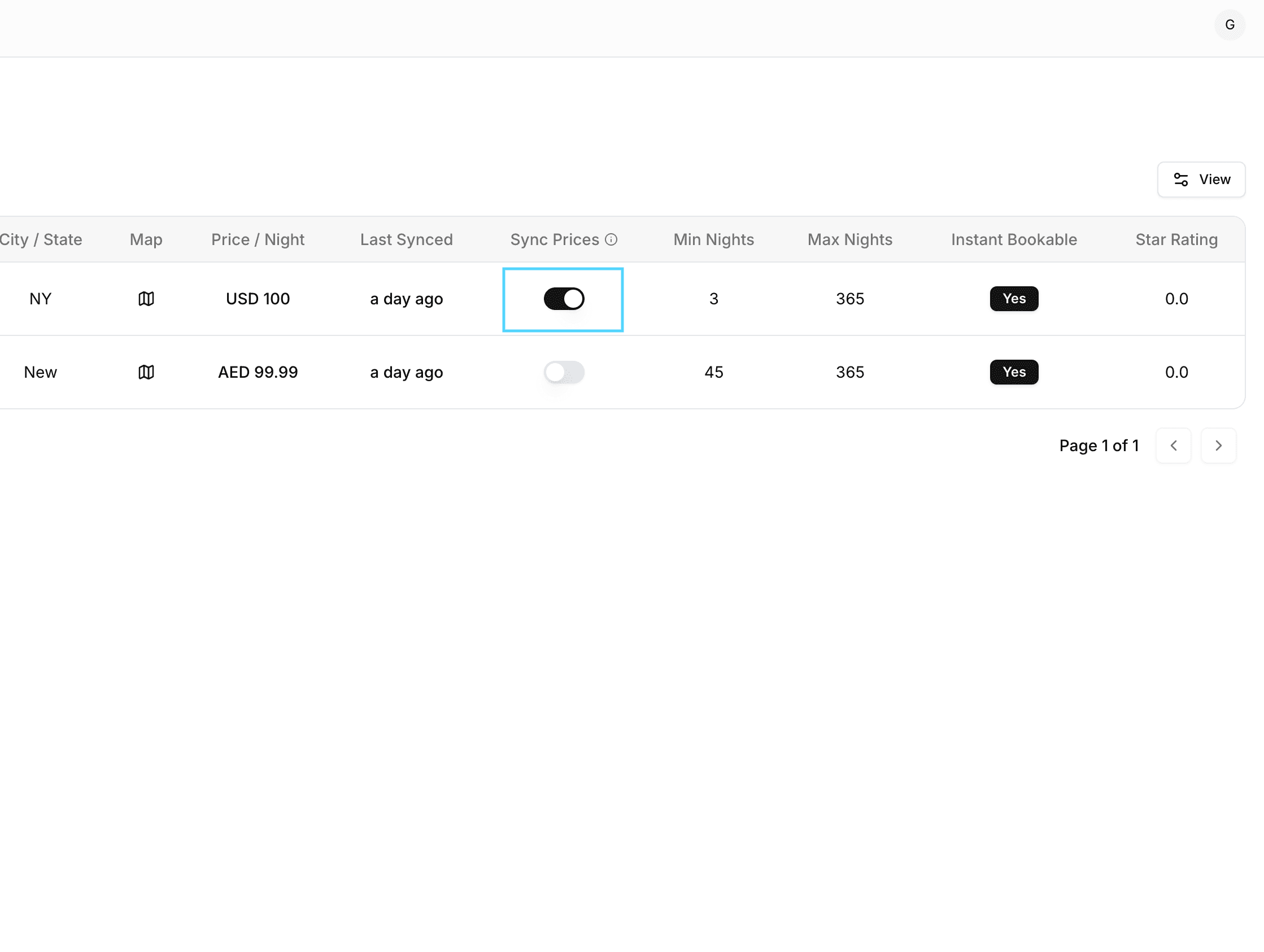
5. Activate Dynamic Pricing
After configuring your settings, enable dynamic pricing for each listing. GPT Pricing will begin applying optimized rates to your Rentals United listings.
6. Monitor and Adjust
Regularly review the performance of your listings through GPT Pricing's analytics dashboard. Make adjustments to your pricing strategy based on performance data and market trends.
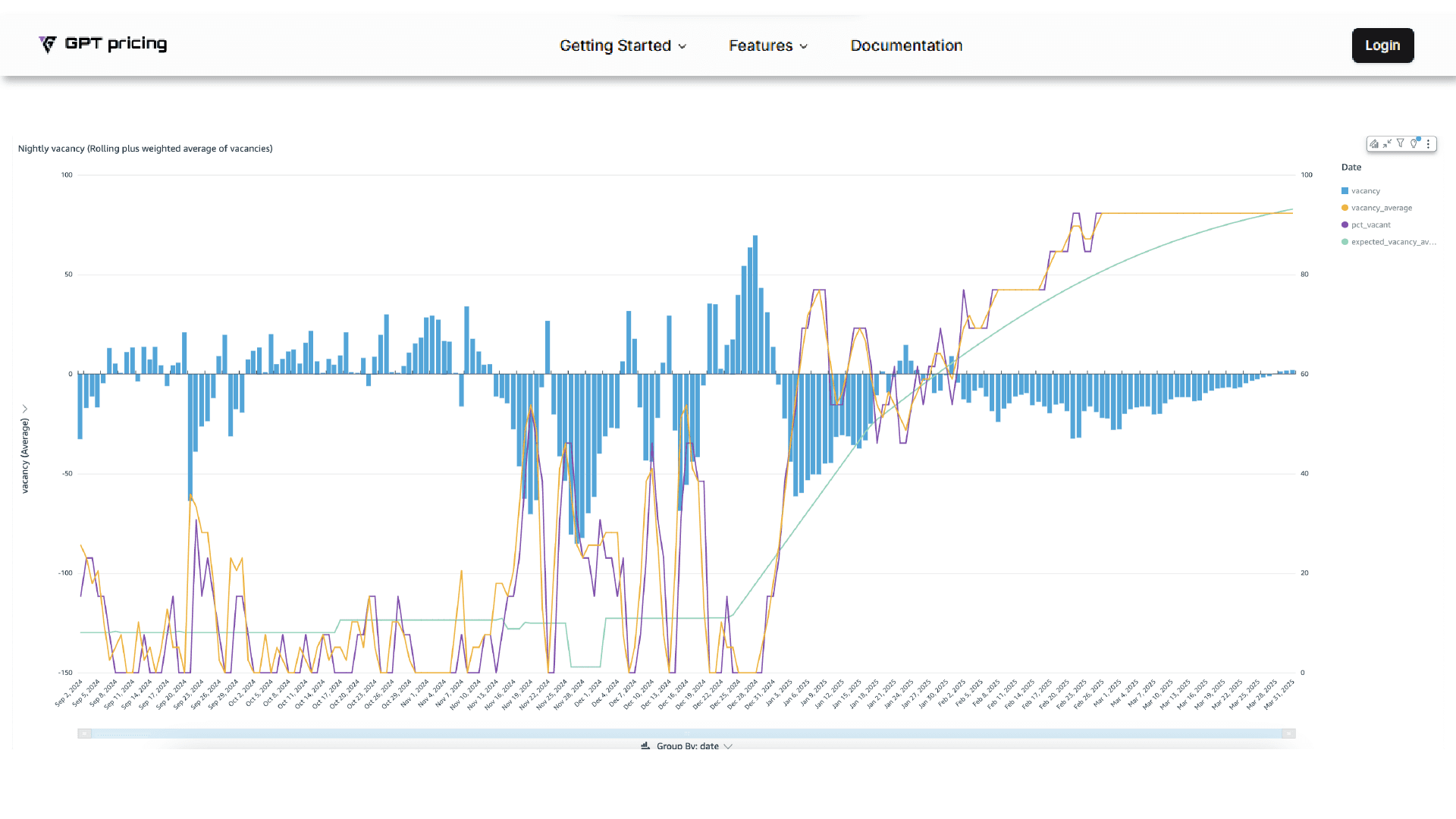
By integrating Rentals United with GPT Pricing, you can enhance your revenue management by leveraging automated, data-driven pricing strategies tailored to the vacation rental market.